A learning app for ages 3 to 10
Letters, numbers, thinking and the world, taught by Masti.
TypeMasti is a learning app where Masti the elephant teaches one idea at a time, in ten minutes a day. Your child listens, tries, plays and gets it right. Every Monday you get an email saying what they learned.
Every account starts with a 7-day free trial, no card needed. Choose a plan before it ends to carry on.
How old is your child?
Explorer band, ages 3 to 5 · 11 lessons today
Listens, taps and counts. Masti says everything aloud, so no reading is needed yet.
First lessons: Letters & Words: S says sss, Numbers: One, Thinking: Find the same picture, My World: Cat, dog, cow
Builder band, ages 5 to 7 · 61 lessons today
Starts typing short words from the picture, makes ten with counters and puts steps in order.
First lessons: Letters & Words: A, B, C, Numbers: 1, 2, 3, Thinking: What comes next?, My World: Farm friends
Master band, ages 7 to 10
Reads short passages, adds and takes away, fills the missing word in a sentence, and can ask Masti Buddy.
The first lessons for this band are on the way; new lessons are added every day.
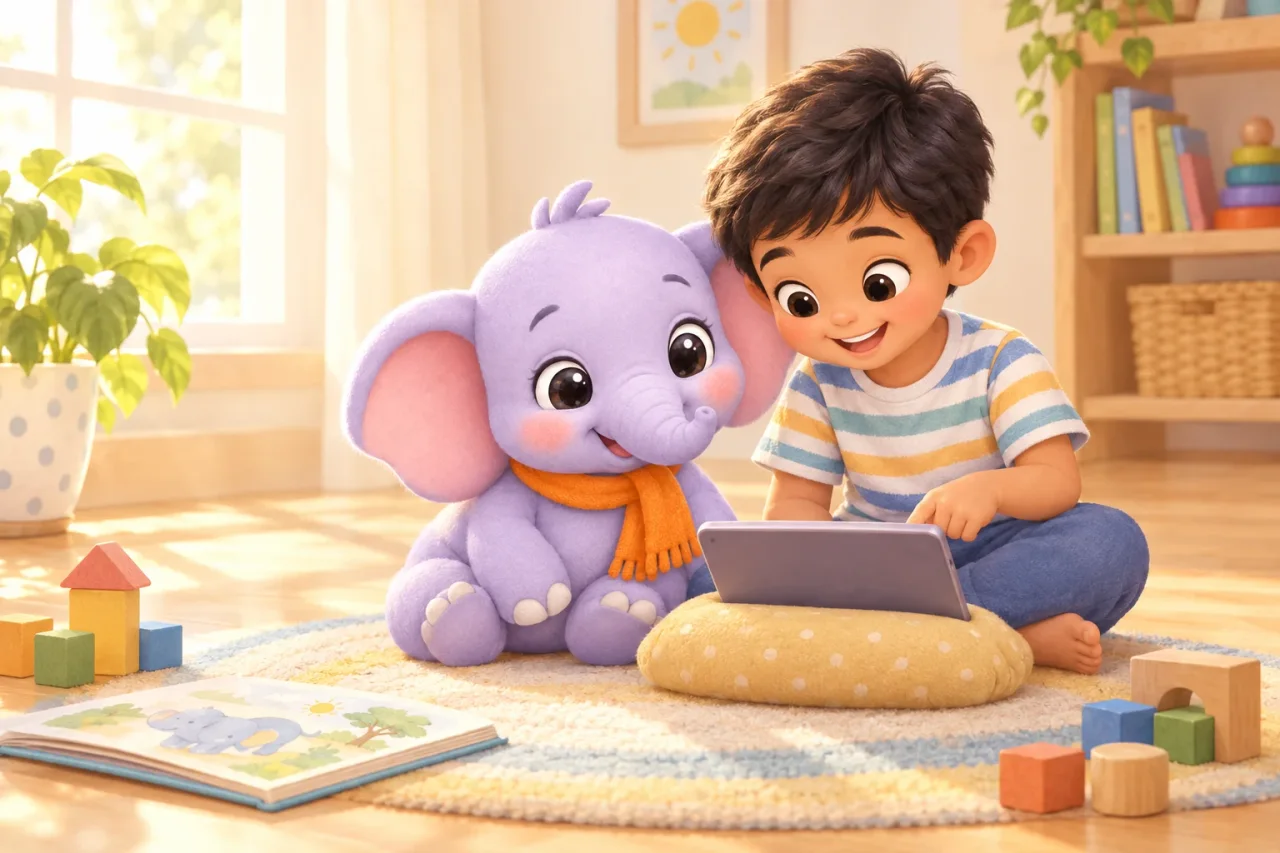
Try it now
Play one round with Masti before you sign up.
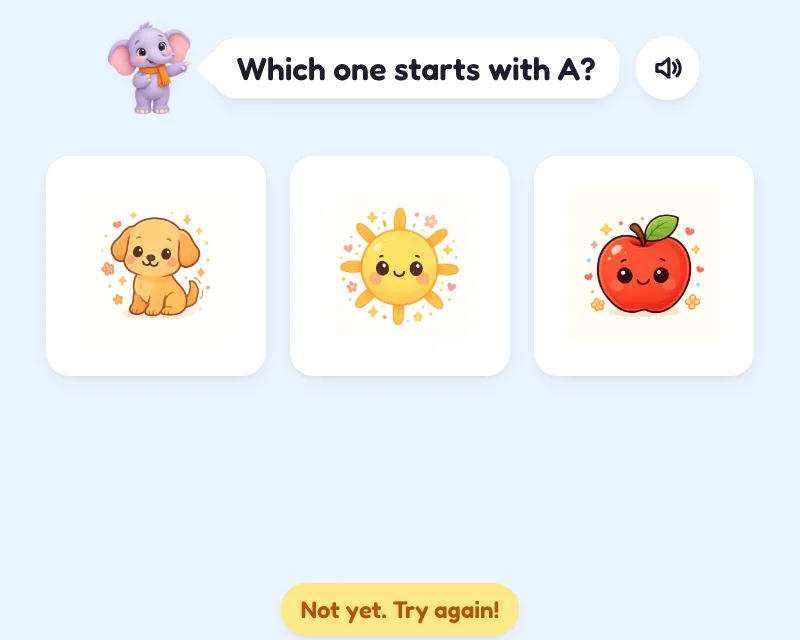
A real activity from the first Letters & Words lesson, with Masti's own voice. Tap the picture she asks for. Nothing to install, nothing to enter.

Tap Play and I will ask for a picture.
5 stars. In the app they count towards medals and the shop.
That was the Play step of one lesson. A whole lesson has six: Masti teaches first, then the child tries, plays and gets it right.
What your child does
Four worlds, one idea at a time.
Every lesson belongs to a world, every world is a path of units for your child's age band, and your child always has exactly one next lesson. 72 lessons, 564 activities and 20 picture books today; new lessons are added every week.
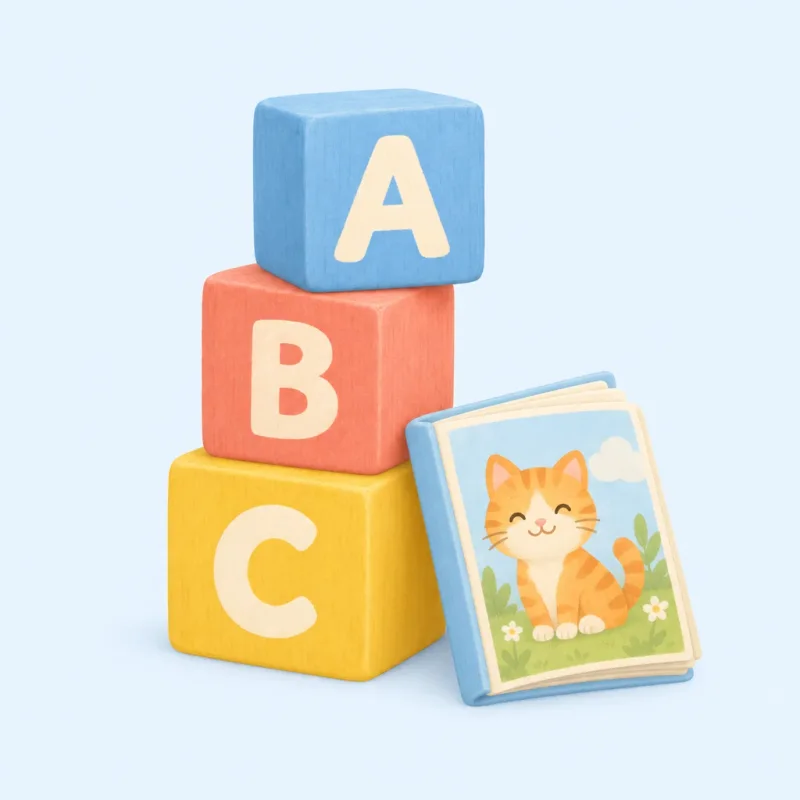 22 lessonsLetters & WordsSounds, words and little storiesWhat they learn
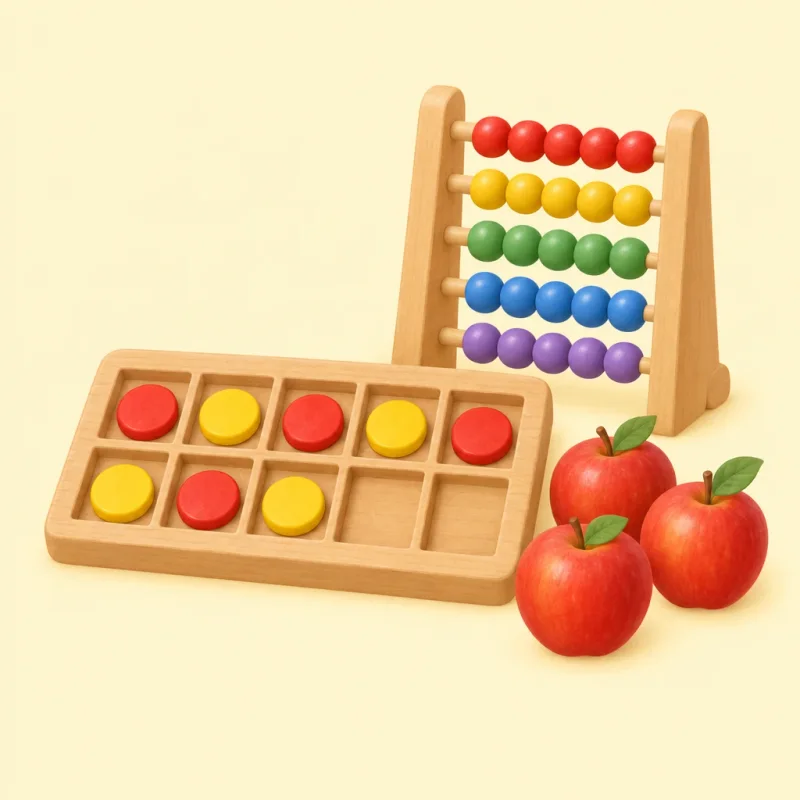 16 lessonsNumbersCount, make ten, add and take awayWhat they learn
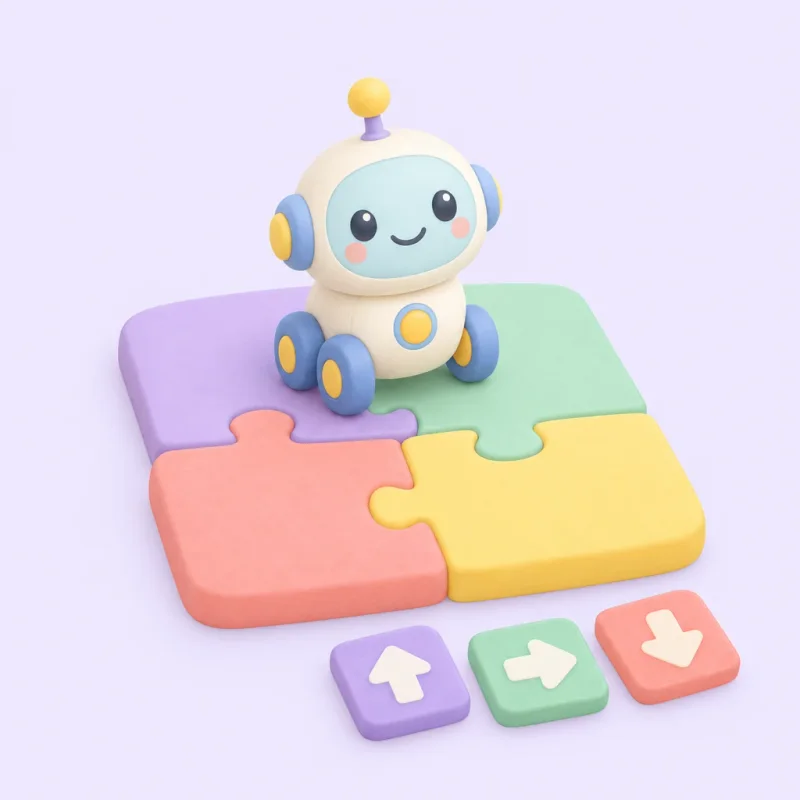 11 lessonsThinkingPatterns, sorting and robot stepsWhat they learn
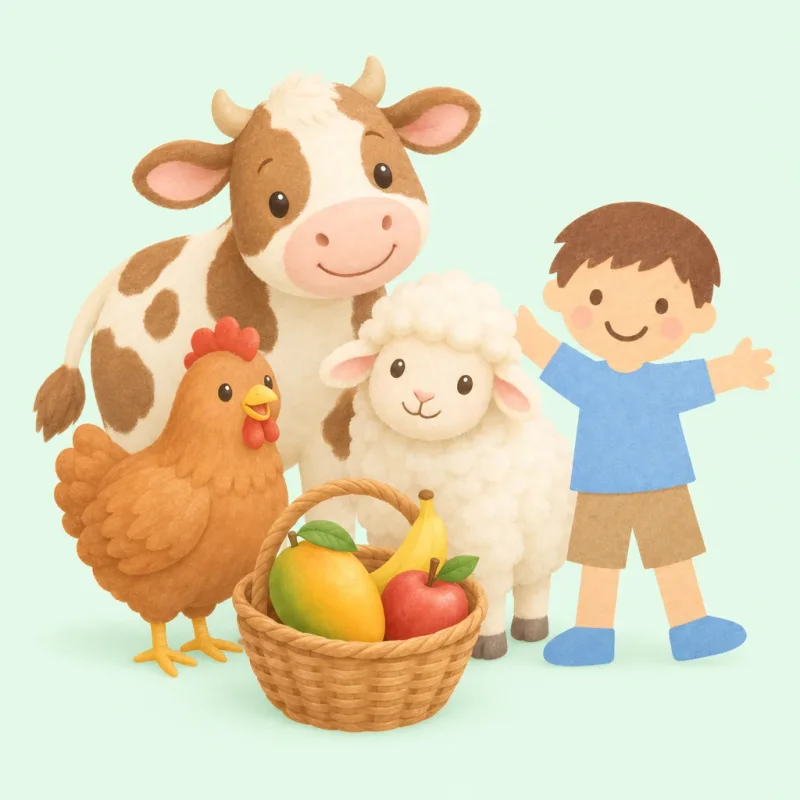 23 lessonsMy WorldAnimals, my body and healthy meWhat they learn
Explorer 3–5
Cannot read yet. Everything is spoken; the child taps rather than types.
Builder 5–7
Reads short words, types with one or two fingers, follows a spoken instruction.
Master 7–10
Reads instructions, types sentences, ready for Ask Buddy when a parent switches it on.
A lesson, step by step
Five to eight minutes, in six steps.
Masti speaks every prompt aloud, so a child who cannot read yet can do the whole lesson alone. Each step below is a real screen from the Letters & Words world.
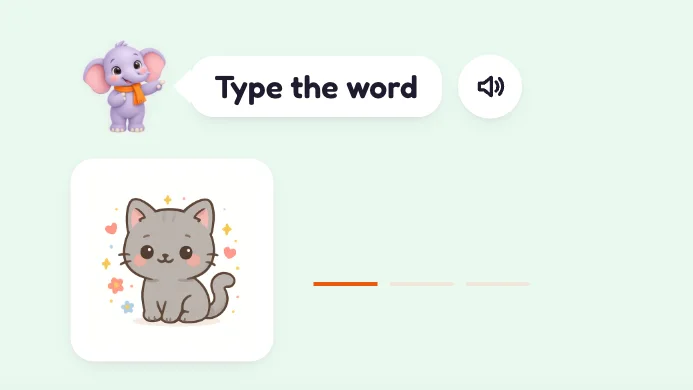
Warm-up
One quick item from an earlier lesson, so what was learned last week does not fade.
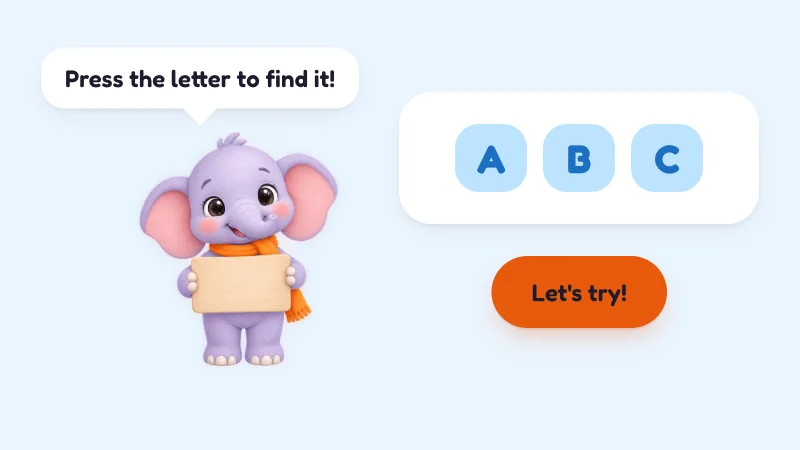
Learn
Masti teaches the idea first: "This is A. A says a, like apple." Nothing is asked before it has been shown.
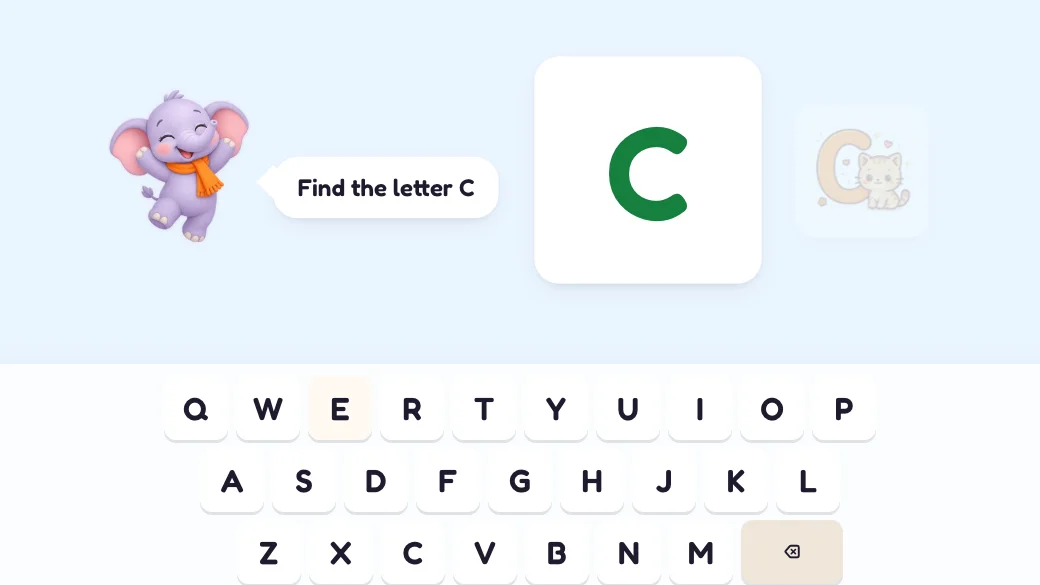
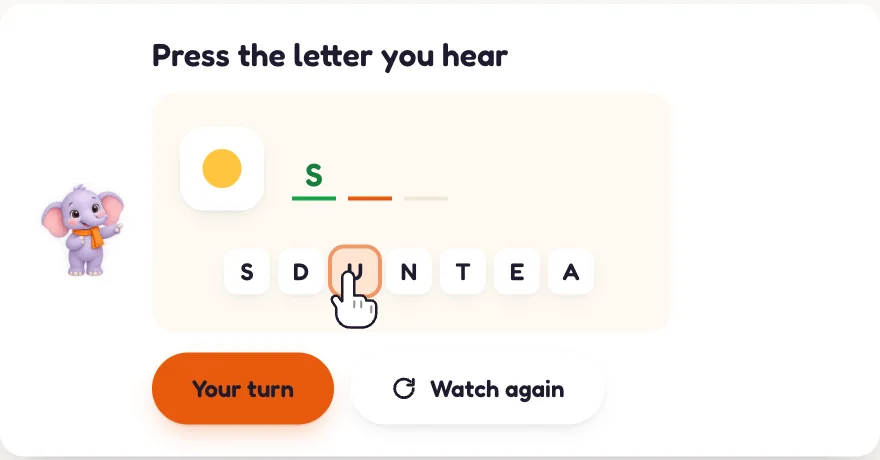
Try
Three to five goes with help one tap away: hear it again, see it again, and the next key glows.
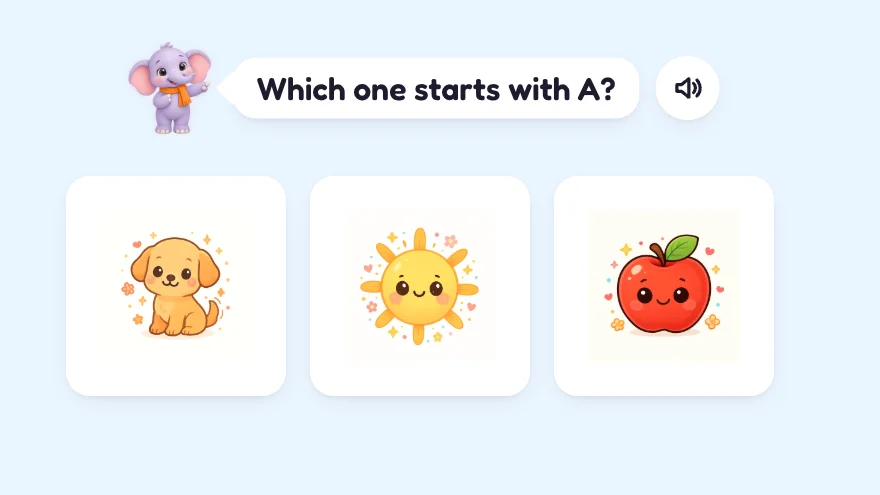
Play
A small game with the same idea, so practice feels like play rather than a test.
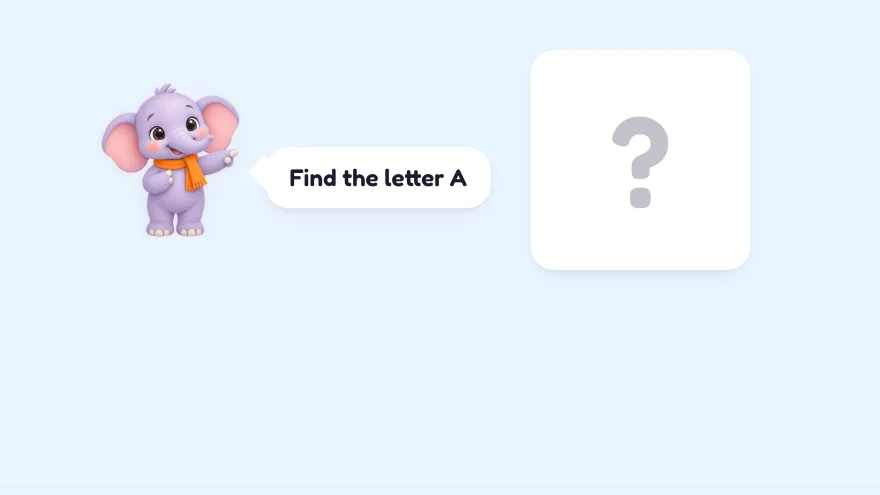
Check
Three on their own, no help. This is the only step that counts towards mastery, so the report shows what your child can really do.
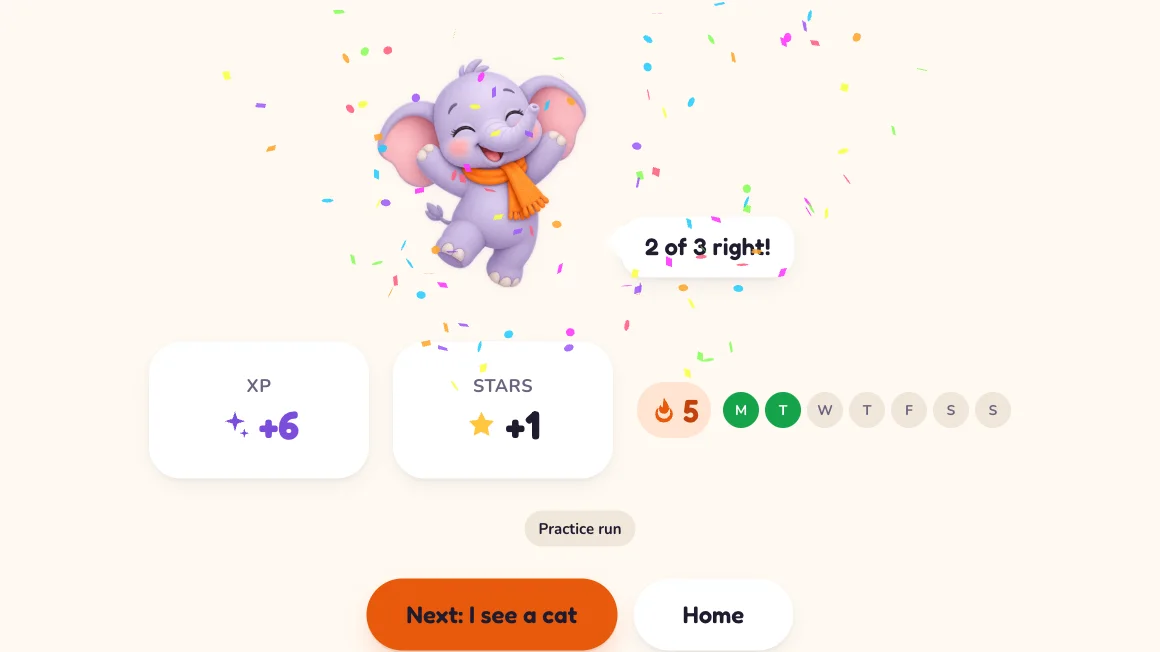
Celebrate
Stars, XP, the streak tick and a peek at the next lesson. Then the lesson is over; nothing nags the child to keep going.
Why it is built this way
Masti teaches before she tests.
Most learning apps open with a quiz. A child who does not know the answer yet learns something else instead: that this is a place where they get things wrong.
TypeMasti does it the other way round. Every lesson starts with Masti showing the idea, and nothing is scored until the Check step at the end.
- Watch me first. Before any new kind of question, a short demo shows the gesture: where to type, what to drag. Then "Your turn".
- A wrong answer is never red. It gets an amber "Not yet. Try again!", Masti shows the idea again on the same item, and it comes back in a later warm-up.
- Help is one tap away in Try and absent in Check, so the report shows what your child can really do.
- Explain it. After a wrong Check answer, Masti Buddy explains in two sentences a child understands: "Count three apples, then two more: four, five. That makes five!"
Story Time and Masti Buddy
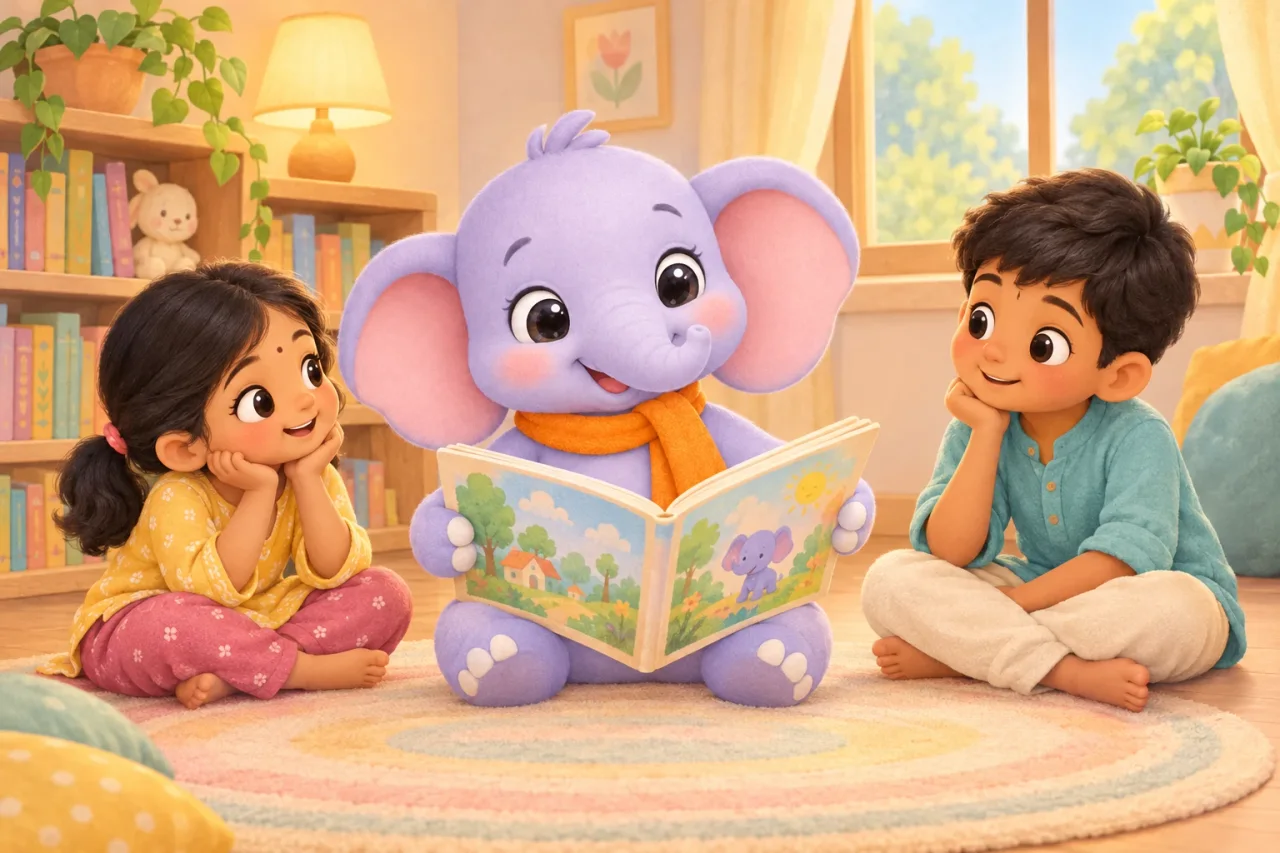 Story Time20 picture books, read aloud by MastiEight pages each, written with the words from the lessons. The word being read lights up, any word can be tapped to hear it, and three questions at the end earn stars.How Story Time works
 Masti BuddyA little AI, in the right placesExplains a wrong answer in child language, makes a story from the words your child knows, and for ages 7 to 10 answers typed questions, only when you switch it on and always visible to you.What Masti Buddy does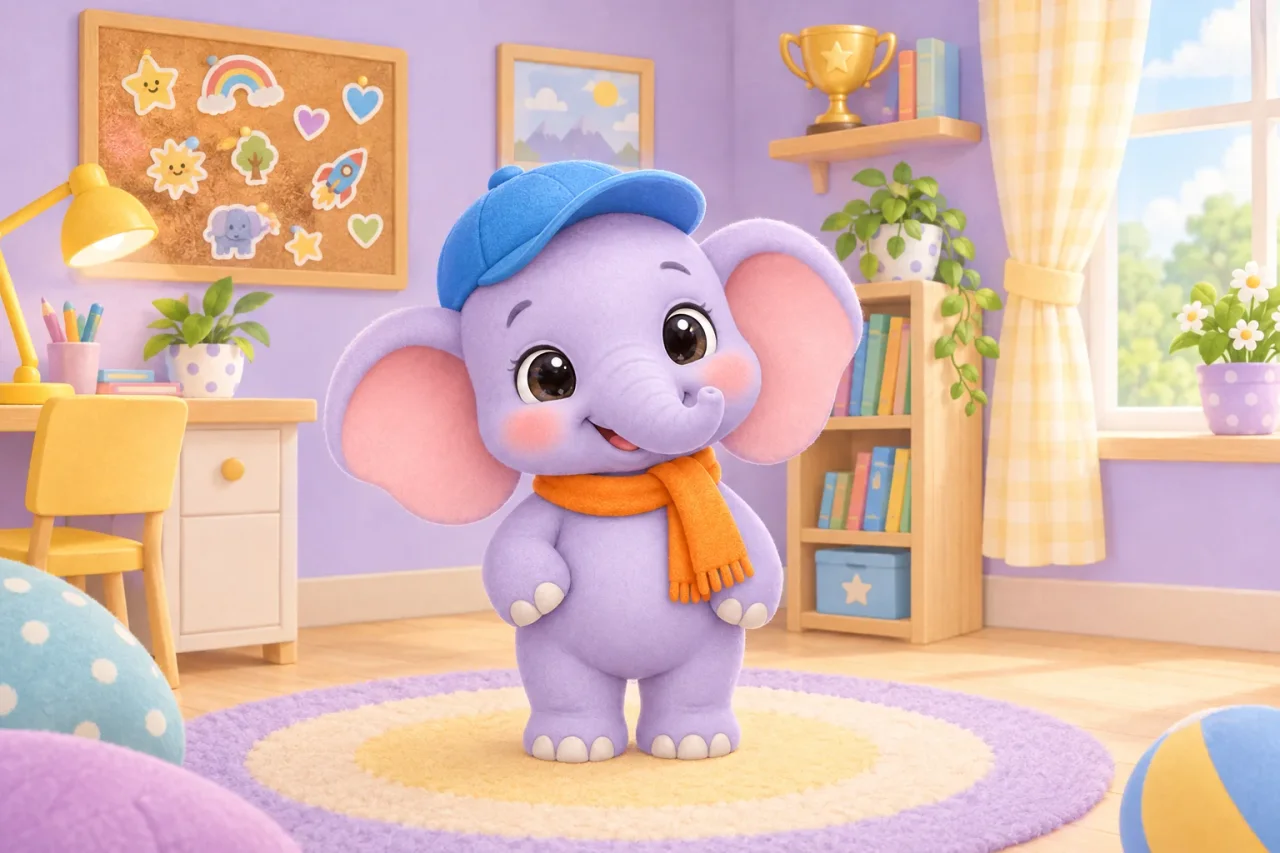
Why they come back
Stars to spend, a room to decorate.
Every activity earns XP; every lesson earns stars. Stars buy things in a shop with 30 items: a cap or a bow for Masti, stickers for the board, a lamp or a toy piano for the room. Nothing costs real money.
- 12 missions. Three a day ("Finish 1 lesson", "Get 5 words right") plus longer journeys like a 7-day streak.
- 20 medals per world, from First Steps to TypeMasti Champion, shown as silhouettes until they are earned.
- A streak with a Mon–Sun row on the home screen. No leaderboards and no comparing children with each other.
Made for parents
You see what was learned, every week.
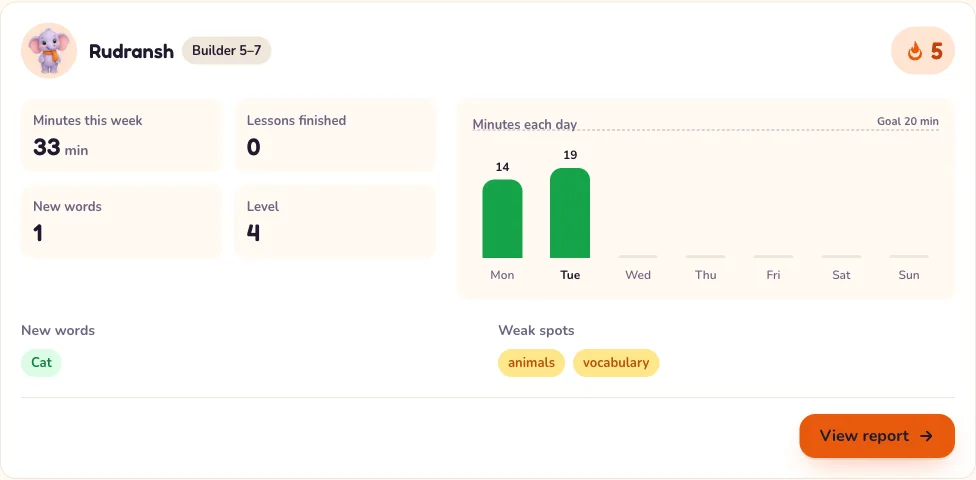
- A weekly email every Monday with minutes, lessons finished, new words and the streak, per child.
- A report per child with skills mastered, weak spots and "practise together" suggestions for five minutes on the sofa.
- Controls: a daily time limit, sound on or off, and a switch for each Masti Buddy helper.
- Your child’s data: download a copy or delete the profile from Settings, no email required.
From the guides
Ten-minute ideas for home, one new guide every week.
Short, practical and written for Indian homes: what to say, what to do, and the lesson in TypeMasti that does the same thing.
 Ages 5–7 · 6 min read
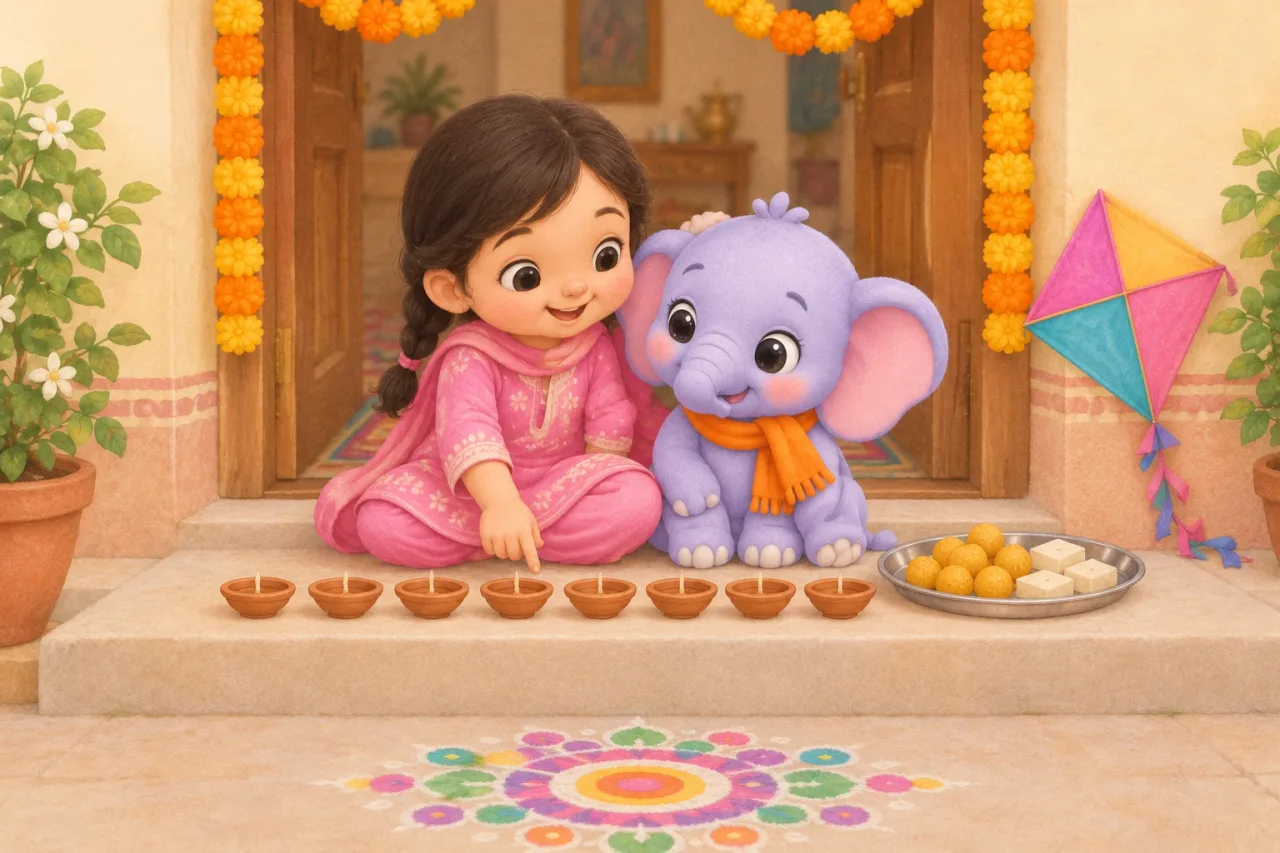
Festival words at home: Diwali, Holi, Eid and Christmas
Diyas, gulal, sewai and kites: the words a five-year-old meets in the festival months, and ten-minute things to count, sort and name at home.Read the guide Ages 5–7 · 6 min read
India at home: the flag, the chakra and the national animals
What a Class 1 child is asked about India, from the flag's colours to the peacock and tiger, with ten-minute games to play at home.Read the guide Ages 5–7 · 6 min read
Space at home: sun, moon, stars and a cardboard rocket
What a six-year-old can learn about space just by looking up, and four ten-minute things to do at home: a moon diary, star counting and a cardboard rocket.Read the guide
Safe by design
Built the way you would want it built for your own child.
No ads, ever
Nothing on the child’s screens is for sale: no ads, no prices, no links out of the app and no third-party trackers.
No free chat under 7
Ask Buddy, where a child types a question, exists only for the 7–10 band and only after you switch it on. Every exchange is in your report.
Children never log in
A child taps their name on the family device, or their Magic Key, three pictures tapped in order, so siblings open only their own profile. There is no password to type and the parent area sits behind a grown-ups gate.
Your data, your call
Consent follows the DPDP Act. Download everything we hold about a child from Settings, or delete the profile, any time.
Works on tablets held sideways and on laptops. English only for now. Privacy policy
- 72
- lessons
- 564
- activities
- 14
- kinds of practice
- 20
- picture books
- 2,100+
- narrated lines
Pricing
₹299 a month, or ₹2,990 a year.
Two children included, all four worlds, Story Time and Masti Buddy. Every account starts with a 7-day free trial, no card needed. Choose a plan before it ends to carry on.
What ages is TypeMasti for?
What devices does it work on?
Is it available in Hindi?
How long does my child spend on it each day?
What is the free trial?
What happens when the trial ends?
Can I cancel?
How many children can I add?

Start your child’s first lesson today
Every account starts with a 7-day free trial, no card needed. Choose a plan before it ends to carry on.